Framer X is more focused on interactions than other design tools. You can code all your interactions if you want to, but you can also link Frames and create simple transitions in minutes. You can use the Scroll view to make things scrollable both vertically and horizontally, or to set the Navigation bar and Tab bar to be sticky.
Downloads
To follow this course, you’ll need the assets. You will also find the Framer X source files to compare against your own work.
Links
You can create links between buttons and interactive elements to a screen destination just by pressing L. Like this you will be creating a prototype.
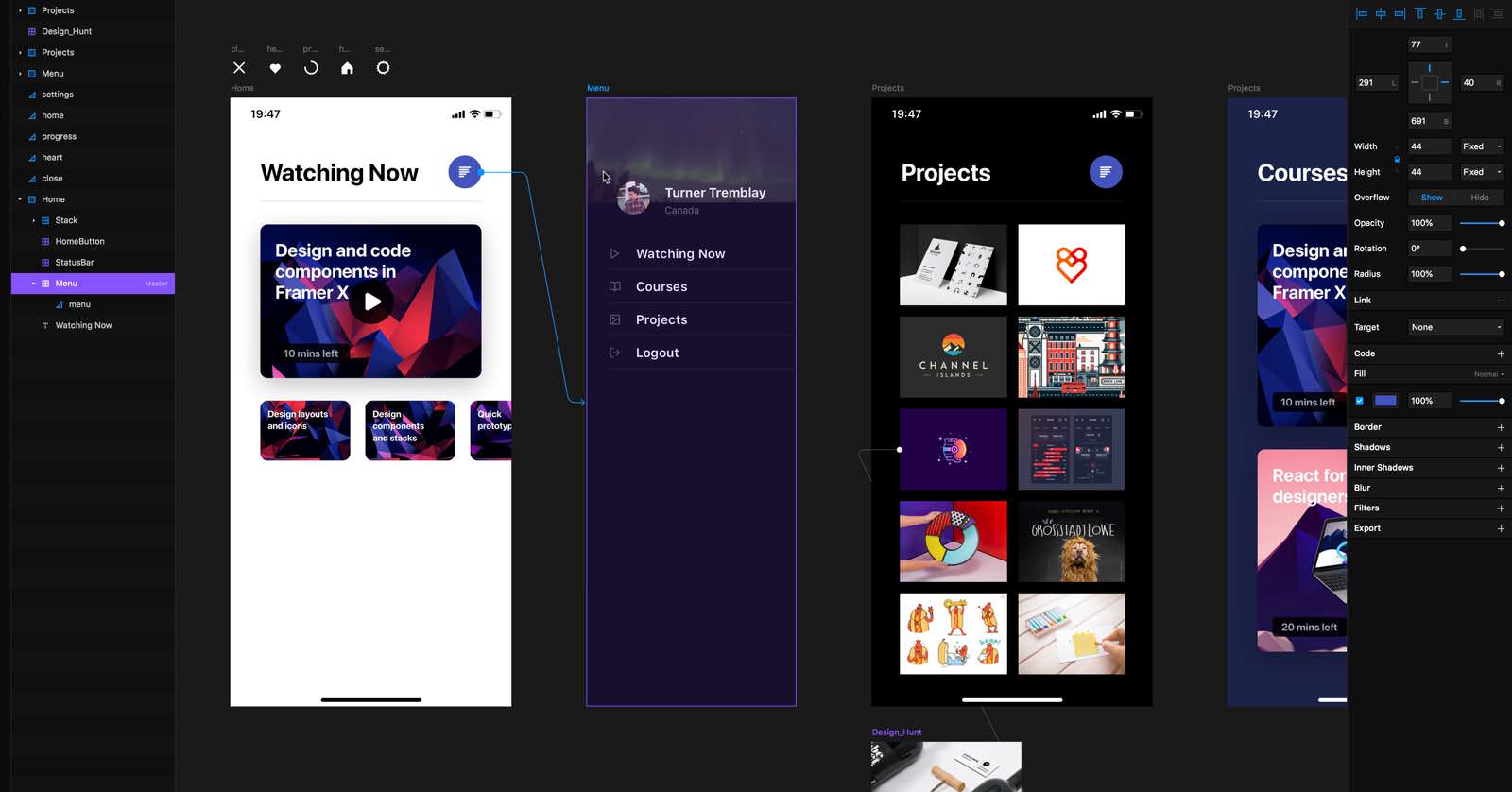
Transition
Screen transitions can be set between Push, Overlay, Modal, Instant, Fade and Flip. You can even set the direction.